
# Cleaning Keyboards and Remote Controls Step by Step
There are places in the home that are cleaned regularly – floors, kitchen counters, the bathroom. And then there are places that somehow get forgotten during cleaning, even though they are touched by dozens, perhaps hundreds of fingers every day. Computer keyboards and remote controls undoubtedly belong to the second group. They are objects we always have at hand, yet we clean them rarely – if ever. And yet this is precisely where dirt, bacteria and food residue accumulate in ways that would surprise many people.
Research repeatedly shows that a keyboard can be dirtier than a toilet seat. It sounds unbelievable, but a British study conducted by Which? found that some of the keyboards tested had five times more bacteria than a toilet seat. And remote controls, shared by the whole family or guests, are no better. They are carriers of viruses, bacteria and mould, without their owners even suspecting it.
Regular cleaning of keyboards and remote controls is therefore not merely an aesthetic matter. It is a question of hygiene, health and also the longevity of the devices themselves. Clogged keys stop responding properly, remote control buttons get stuck, and the electronics beneath the surface suffer from moisture and dust. Learning to clean these devices properly is not difficult – you just need to know how.
Try our natural products
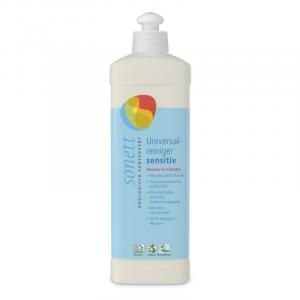
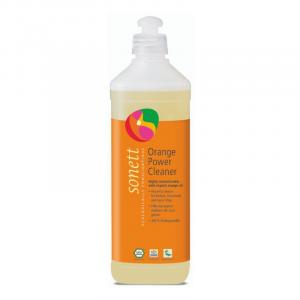
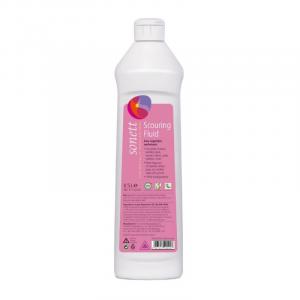
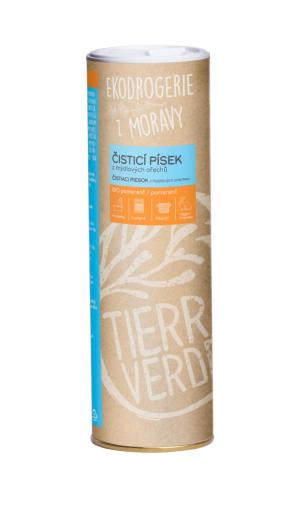
Why are keyboards and remote controls such a breeding ground for dirt?
The answer is actually simple: we use them constantly and almost never wash our hands before each touch. Breakfast at the computer, a snack in front of the television, sneezing into the palm of your hand and then immediately changing channels – all of this leaves traces. Between the keys of a keyboard, crumbs, dust, pet hair, skin flakes and finger oils accumulate. Remote controls get left on the sofa, in pockets, on the floor, and the hands that hold them are often far from clean.
Add to this the fact that most people spend several hours a day at a computer or in front of the television. According to data from the Czech Statistical Office, the average Czech person spends a significant portion of their leisure time in front of a screen. This also means a significant portion of time spent touching precisely these devices. Every touch adds a new layer of microorganisms and dirt that gradually settles in places where an ordinary cloth cannot reach.
It is natural that one does not notice this straight away. The contamination happens slowly and imperceptibly. But then comes the moment when the "M" key stops responding on the first press, or when one realises that their remote control looks more like an archaeological find than modern electronics. That is when it is time to act – and ideally even before that moment arrives.
As the famous bacteriologist Louis Pasteur said: "Fortune favours the prepared." In the context of home hygiene, this holds literally true – those who clean regularly will be caught off guard neither by a flu epidemic in the family nor by a stuck key during an important presentation.
How to clean a keyboard step by step
The approach to cleaning a keyboard differs depending on whether it is a mechanical keyboard with removable keys or a standard membrane keyboard. It also matters whether the keyboard is part of a laptop – in that case, greater care is needed, as the keys cannot always be easily removed and the electronics are more sensitive.
The first step is always to disconnect the keyboard from the computer or to turn off the device. For a laptop, it is sufficient to shut the computer down. The keyboard is then turned upside down and given a gentle shake – crumbs and larger pieces of debris that were hiding between the keys will fall out. The results are often surprising: a small pile of dust, hair and food remnants literally falls out of the keyboard.
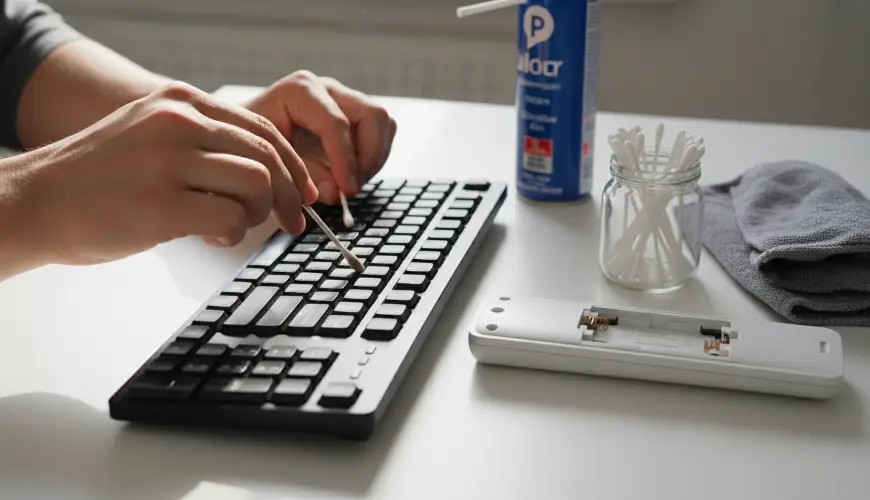
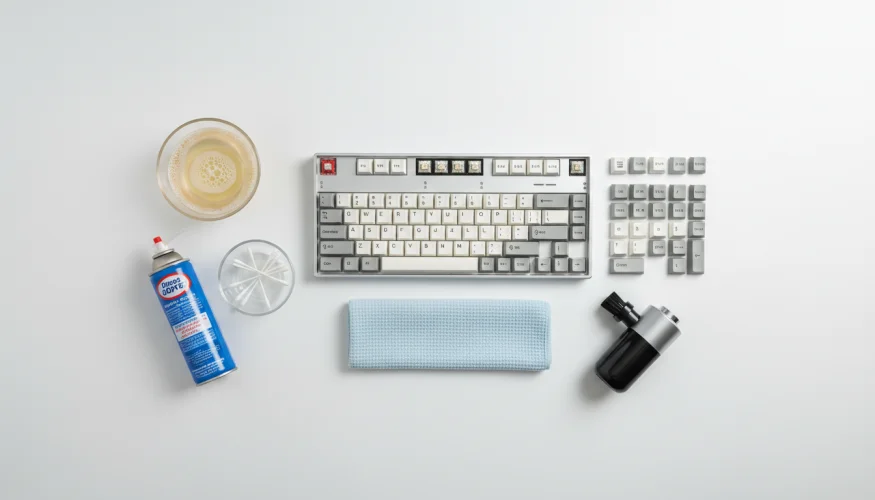
The next step is to use compressed air, which can be purchased in the form of an aerosol canister. The nozzle is directed between the keys and short bursts are used to blow out the remaining dirt. This method is gentle, quick and very effective. An alternative is a small handheld vacuum cleaner with a fine attachment, which sucks up the dirt instead of blowing it – this option is more environmentally friendly and does not require repeated purchases of consumable materials.
The surface of the keys and the areas between them can then be treated using a cotton pad or cotton swab dampened with isopropyl alcohol. Isopropyl alcohol (ideally at a concentration of 70%) is the ideal choice, as it dries quickly and leaves no residue that could damage the electronics. It is important to only dampen the pad or swab, not to soak it – excess moisture is the enemy of all electronics. Isopropyl alcohol also disinfects the surface, eliminating bacteria and viruses.
For those who prefer natural alternatives, there are also eco-friendly disinfectants based on natural alcohol or essential oils with antimicrobial properties. Such products are gentler on the environment while still being sufficiently effective for everyday home hygiene. Ferwer offers a whole range of eco-friendly cleaning products that are also suitable for sensitive electronic surfaces.
In the case of a mechanical keyboard where the keys can be removed, a more thorough cleaning is possible. The keys are carefully removed using a dedicated tool (or improvised with a spoon), placed in a bowl of warm water with a small amount of mild washing-up liquid and left to soak. After drying – thoroughly, ideally overnight – they are returned to their places. This method is suitable approximately once every six months and the results are literally like having a brand-new keyboard.
Cleaning the remote control – an underrated ritual
In many ways, the remote control is an even more complicated case than the keyboard. It is compact, full of narrow gaps between the buttons, and its surface is almost always made of plastic, which attracts grease and dirt. Moreover, it is handled by multiple people in the average household – children, visitors, ill family members. It is not an exaggeration to say that the remote control is one of the dirtiest objects in the living room.
Cleaning the remote control again begins with removing the batteries. This step is essential – it protects the electronics and prevents accidental button presses during cleaning. The surface of the remote is then wiped with a soft cloth dampened with isopropyl alcohol or a mild disinfectant. The gaps between the buttons, where the most dirt accumulates, deserve special attention – a cotton swab or a toothpick wrapped in a small piece of cloth works well here.
A very practical tool is the so-called cleaning gel or slime, sold as a children's toy but working excellently as a cleaning aid for electronics. This gel is pressed onto the surface of the remote control, pushed into the gaps between the buttons, and when removed it takes dust and small particles of dirt with it. It is reusable, requires no water or chemicals, and is environmentally friendly.
For households with young children or people who are prone to illness, it is worth considering regular disinfection of the remote control once a week. A brief moment and a disinfectant wipe are all it takes – and the risk of transmitting viruses and bacteria drops significantly. This routine is particularly recommended during flu season or after a family member has been ill.
An interesting solution for those who want to prevent repeated contamination is silicone covers for remote controls. These covers protect the surface of the remote from dirt and can be easily removed and washed under running water. They are available for most common models and their use significantly extends the intervals between necessary cleanings of the remote itself.
As a general rule, cleaning electronics should be part of regular home cleaning – just as natural as dusting furniture or washing floors. It requires no special equipment or hours of work. All it takes is a few minutes, the right products and a little regularity.
Consider, for example, a family in which one member works from home and uses the keyboard for eight hours a day. After three months without cleaning, the keys are sticky, some respond with a delay, and beneath them lies a layer of dust mixed with skin oils. And yet all it would take is five minutes of cleaning with compressed air and alcohol pads once a month – and the keyboard would function like new for years.
Caring for the everyday objects we use most is, in fact, caring for ourselves. A clean keyboard and a clean remote control are not a luxury, but basic hygiene in modern life. And just as people have learned to brush their teeth regularly or wash their hands, cleaning electronics can also become a natural part of the weekly routine – without unnecessary stress, with minimal time and maximum benefit.
Eco-friendly approaches to cleaning, such as natural disinfectants, reusable cleaning tools or silicone protective covers, also show that hygiene and environmental responsibility go hand in hand. You just need to know where to find the right products – and fortunately, there are more options available today than ever before.